




Create, sell and publish with AI.

Your website. Your store. Your next big story.

Describe your business in plain language. Create a private website, online store, blog or newspaper, then use the tools to run it. Review the result, connect your domain and publish when you are ready.

  • 1. Talk to JN-AI
  • 2. Connect your domain
  • 3. Publish live
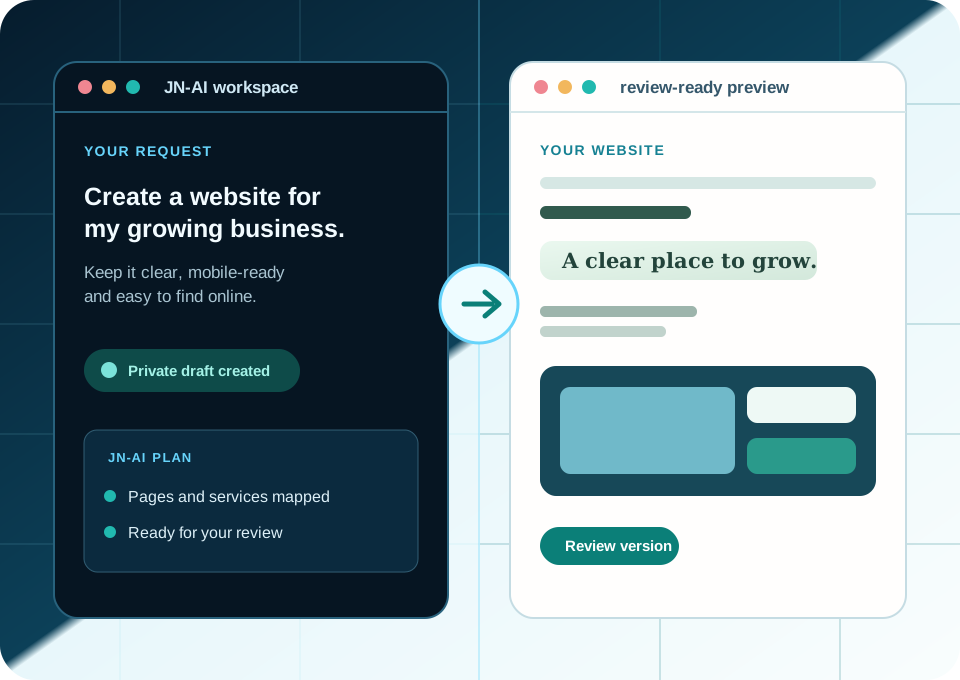
JN-AI workspace turning a business request into a review-ready website plan JN-AI workspace turning a business request into a review-ready website plan
JN-AI plan Ready to review

Your business, your way to publish

Sell products. Share ideas. Publish news.

Choose what you want to create. JN-AI brings the design and the tools to run it together.

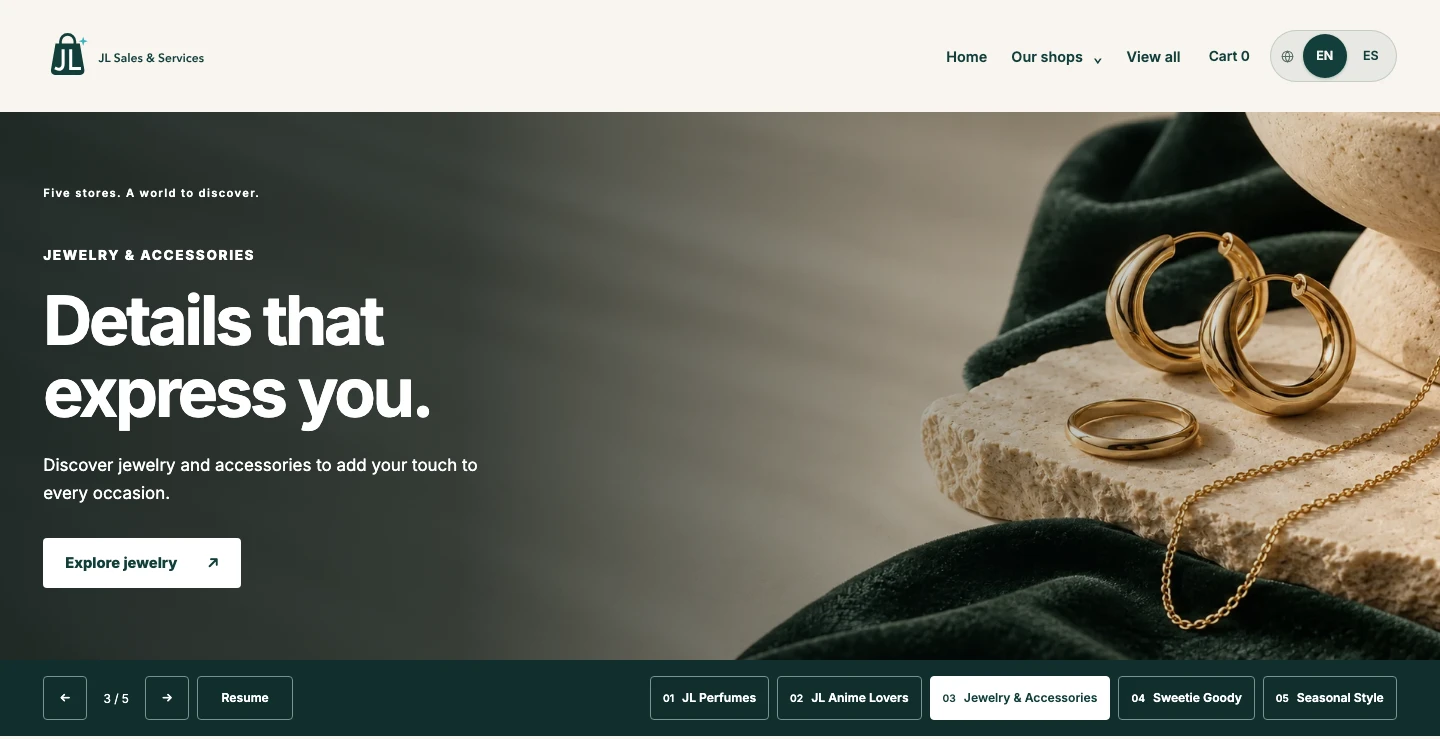
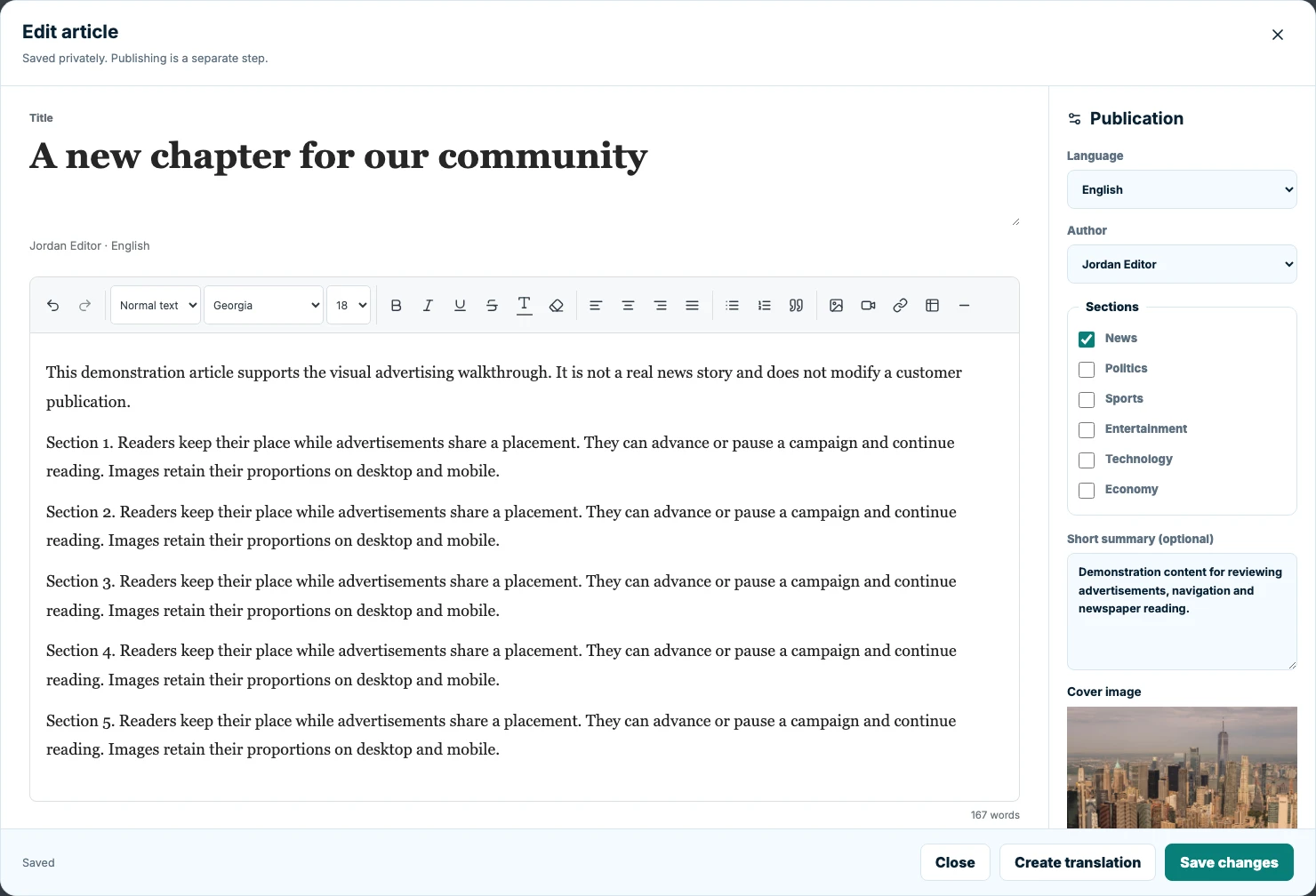
Real screenshots: JL Sales storefront and editorial tools with demonstration content.

Your next chapter: ecommerce

Your products. Your brand. Your own online store.

Bring your storefront and the work behind it together. Build with JN-AI, organize your catalog and give customers a clear path from discovery to checkout.

  • A catalog that makes sense

    Products, collections, prices and variants, managed from your store dashboard.

  • Show every detail

    Give each design its own photos and short video. Keep sizes, colors and stock easy to understand.

  • Keep the order moving

    Manage orders, customer updates, cancellations and full or partial refunds in one place.

Start with a free website workspace. Selling requires the Commerce add-on and a connected payment account; review the cost before activating.

Built with JN-AIjlsalesservices.com
JL Sales & Services
Fragrance and cosmetics arranged on pale stone, editorial imagery used by the JL Sales store
JL SALES & SERVICES

Five departments. One place to discover.

Fragrance, anime, jewelry, homemade treats and everyday style.

Fragrance & beauty
Jewelry & accessories
Seasonal style
A storefront example using the store’s editorial images.Visit the real store

Connect the tools behind your store

From your first product to more places to discover it.

Guided setup keeps the next step clear. Choose the products you share and use your own provider accounts.

Print on demand

Create & fulfill

Printify

Bring your print-on-demand catalog into your store.

How it works

Connect your account, choose the source store and select the products to import. Review variants, prices and fulfillment settings before selling.
Print on demand

Create & fulfill

Printful

Turn your Printful designs into a shoppable catalog.

How it works

A guided connection separates your design source from the fulfillment store. Select what to import and keep manufacturing references connected to each variant.

Payments

Accept payments

Stripe

Connect your business and give customers a secure checkout.

How it works

Connect your own Stripe account and complete its onboarding. Payment availability and processing fees depend on your account and region.

Product catalog

Get discovered

Pinterest

Share your products with your Pinterest Business catalog.

How it works

The assistant prepares your product list and guides you through connecting it in Pinterest. Pinterest imports it on its schedule and reviews product eligibility.

Product listings

Get discovered

Google Merchant

Prepare products for free listings on Search and Shopping.

How it works

Connect your Merchant Center, review product data and follow submission results. Google decides product eligibility and visibility.

The website platform that speaks your language

Everything starts with a simple conversation.

Create a website, bring the one you already have, or ask for a precise change. JN-AI turns plain language into a reviewed, editable website without asking you to manage code.

Create from one conversation

Describe your business in plain language and get a complete, responsive first version in seconds, often under a minute.

Publish on your domain

Connect the domain you purchased, review the private preview and publish your approved website live from one control panel.

Bilingual and SEO-ready

English and Spanish, responsive layouts, localized URLs, metadata and hreflang are built into the workflow from the start.

Guided business email setup

Review your existing business email and follow guided connection steps, with access to your provider kept in your control.

See the workflow, not a promise

Start with the way you already think about your website.

Follow a clear workflow from your first request to a reviewable private version, before anything goes live.

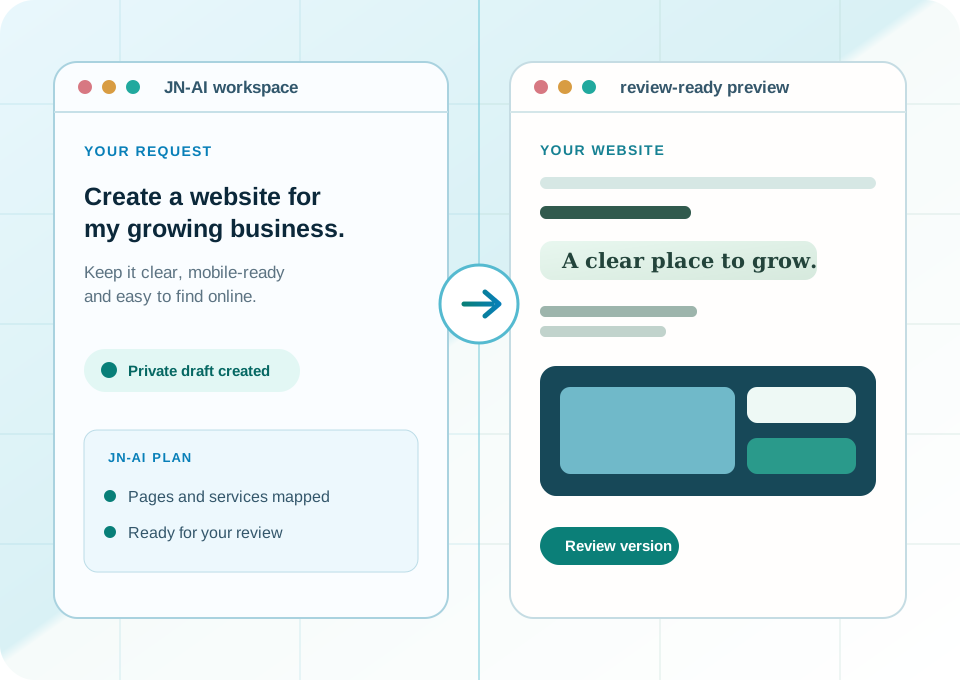
JN-AI workspace turning a business request into a review-ready website plan
Conversation → reviewed preview

Describe the website you need

Write in plain language. JN-AI turns the request into a structured, private first version you can review.

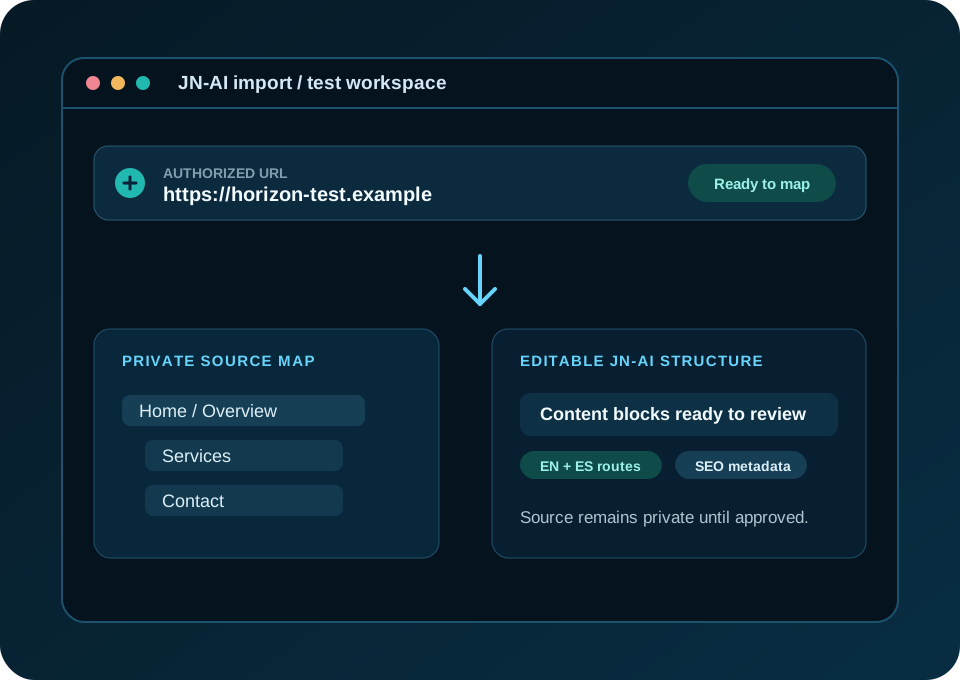
JN-AI import workflow mapping an authorized website URL to an editable structure
Authorized URL → editable structure

Bring the website you already have

Use an authorized URL to map a starting point into an editable structure without losing the review step.

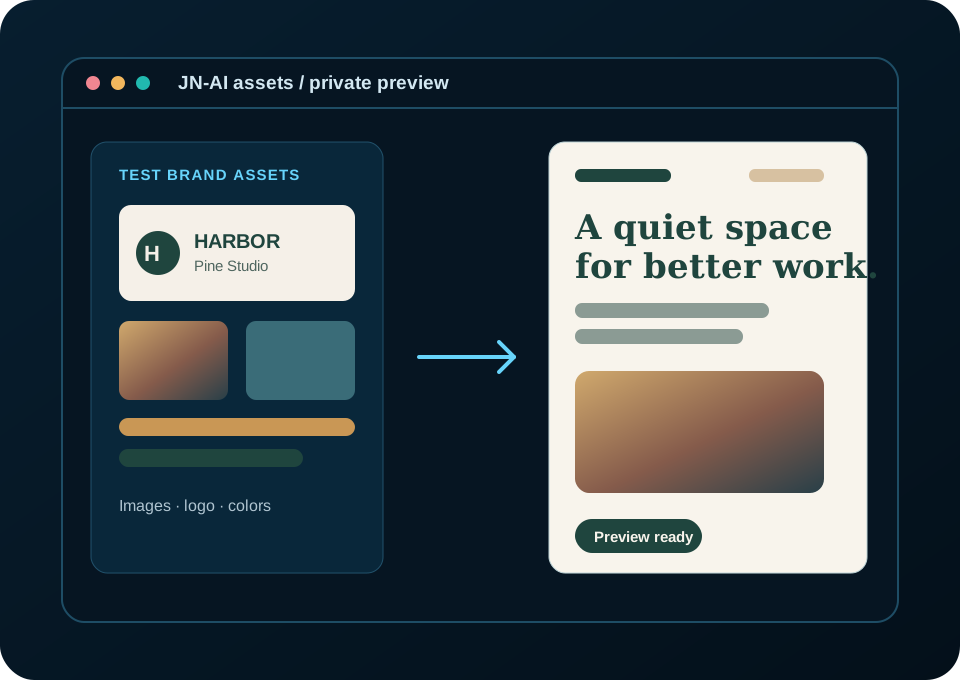
JN-AI asset workflow applying a logo and imagery to a website preview
Assets → website identity

Apply the assets that make it yours

Place a logo, colors and approved images into a private draft before you decide it is ready to publish.

Built for confident website ownership

AI speed. Business control.

JN-AI makes creating and improving a website feel fast, while keeping the decisions that matter with you. Every path leads to an editable workspace you can review before anything goes live.

Your website stays yours at every step.

Private before public

New work starts in a private draft. Review the result, request changes and publish only when you are ready.

Your domain stays yours

Connect the domain you already own with guided steps. JN-AI never changes your DNS records automatically.

Authorized starting points

Bring an authorized URL, approved assets or your own content into a structured, editable first version.

Keep improving after launch

Once your website is live, keep refining it in plain language while every new change remains reviewable.

Simple to start. Room to go further.

Describe the change. Or work directly in the code.

Use a conversation for everyday improvements. When you need finer control, inspect your site’s source and edit supported frontend files in the same workspace.

  • A clear file view
  • A private preview for every saved revision
  • Your approval before publication
Explore your workspace

Manual editing requires an eligible role and an active paid plan. Supported files depend on the site type; this is frontend editing, not access to platform servers.

Start with a conversation

“Give the store a little more breathing room on mobile.”

JN-AIPrivate preview
Frontend filesfrontend/overrides.cssbehavior.js
overrides.css
.shop-hero {
  /* Room for every screen */
  padding-inline: clamp(
    1rem, 4vw, 4rem
  );
  max-width: 100%;
}
Review it before it goes live
Illustrative workspace · CSS example

A clear next step

Build at your pace. Know what comes next.

Can I start with a website and add a store later?

Yes. Start with the website workspace, build your private draft and add Commerce when you are ready to set up your catalog and payments. Review its current monthly price in the Console before activating.

Do I need to code to connect my store?

No coding is required for the guided setup. JN-AI explains the steps, while you sign in or authorize access in your provider accounts. Some providers require an account, credentials or their own approval.

Will every product appear on Google or Pinterest?

Each channel reviews products against its own requirements. JN-AI helps prepare and submit the catalog, but approval, processing time and search placement belong to the channel. Connect your own eligible Merchant Center account.

Do code changes publish immediately?

No. Saving a supported code edit creates a private preview for review. Publication remains a separate action. Manual saves do not use AI credits; requesting an AI change may use credits.

Built for the work behind a website

Choose the path that matches how you work.

Start with the outcome you need now. Every path keeps the website private until the person responsible approves publication.

For agencies & developers

Build client websites with AI, assign project budgets and deliver editable drafts to independent client workspaces.

Explore Agency / Developer

Early Access pricing

Start free. Upgrade when your website needs more room.

Business workspaces start with a private workspace, 10 one-time promotional AI credits, and a JN-AI website address. Your 14-day starter window lets you build, review, and publish before choosing a paid plan.

Free

Try the complete website workflow before you commit

Free No card required
  • 1 private workspace and 1 website
  • 10 one-time promotional AI credits
  • Build, review, and publish on a JN-AI address
  • Private drafts and approved changes
  • 14-day starter window
Start free

Launch

For getting your business online

$19 /mo
  • 1 website and 1 user
  • 40 AI credits each month
  • Publish on your custom domain
  • Basic SEO and analytics
  • 2 GB storage and 30-day history
  • Standard support
Choose Launch

Business

For businesses that depend on their website

$99 /mo
  • Up to 10 websites and 10 users
  • 750 AI credits each month
  • Advanced AI changes and staging
  • Advanced SEO and analytics
  • 25 GB storage and 1-year history
  • Priority+ support
Choose Business

Commerce is an optional monthly add-on per website. Its current price is shown in the Console before secure Checkout; Restaurant uses the same add-on.

How it works

Three simple steps from conversation to live website.

01

Talk to JN-AI

Describe the business or the change you want. JN-AI creates a complete first version in seconds, often under a minute.

02

Connect your domain

Bring the domain you purchased and connect it to the approved website from the control panel.

03

Publish and keep improving

Publish live when you are ready. Then keep asking for improvements in plain language. No code required.

Ready when you are

Tell us what you want to build.

For a guided website project, domain help, corporate email setup or a question about JN-AI, send the context here. We review each inquiry and respond by email when we can confirm the right scope and availability; include a phone number only if you would like a call.